How to add attachments to a Zendesk Ticket
Last updated: August 10, 2026
To upload an attachment to an existing support case you can follow the steps below.
Log into the Support Portal.
Log into support.redpanda.com by clicking the Sign in Button on the top Right

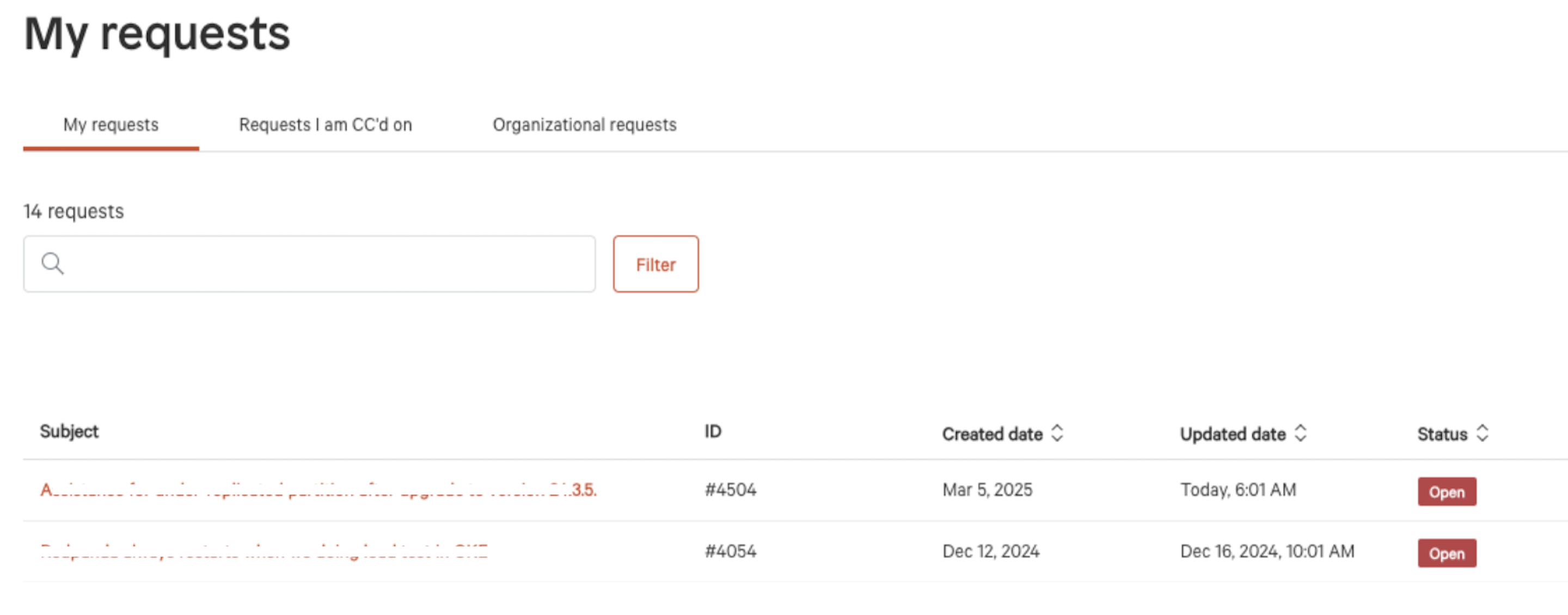
Access you existing requests.
Click My Requests in the center of the Screen.

Open your ticket
Click on your ticket number from the list available.
Add your attachment
Scroll to the bottom of the page and add an additional comment, along with clicking the Drag files here or click to add a file, then click submit.