Error Decoding Avro or Protobuf inside Redpanda Console
Last updated: August 11, 2026
Repanda Console has the ability to decode your schema registry directly in the UI. However, if you are attempting to decode your messages, but you are receiving an error, then read on to help troubleshoot the issue.
The Problem
When clicking on your topic, you might end up seeing a message that says "There were issues deserializing the.." instead of your actual message. Clicking into the message will provide you with more details about why Redpanda Console might not be able to deserialize your message.
There are two common errors you will most likely see..
1. "Incorrect magic byte..."
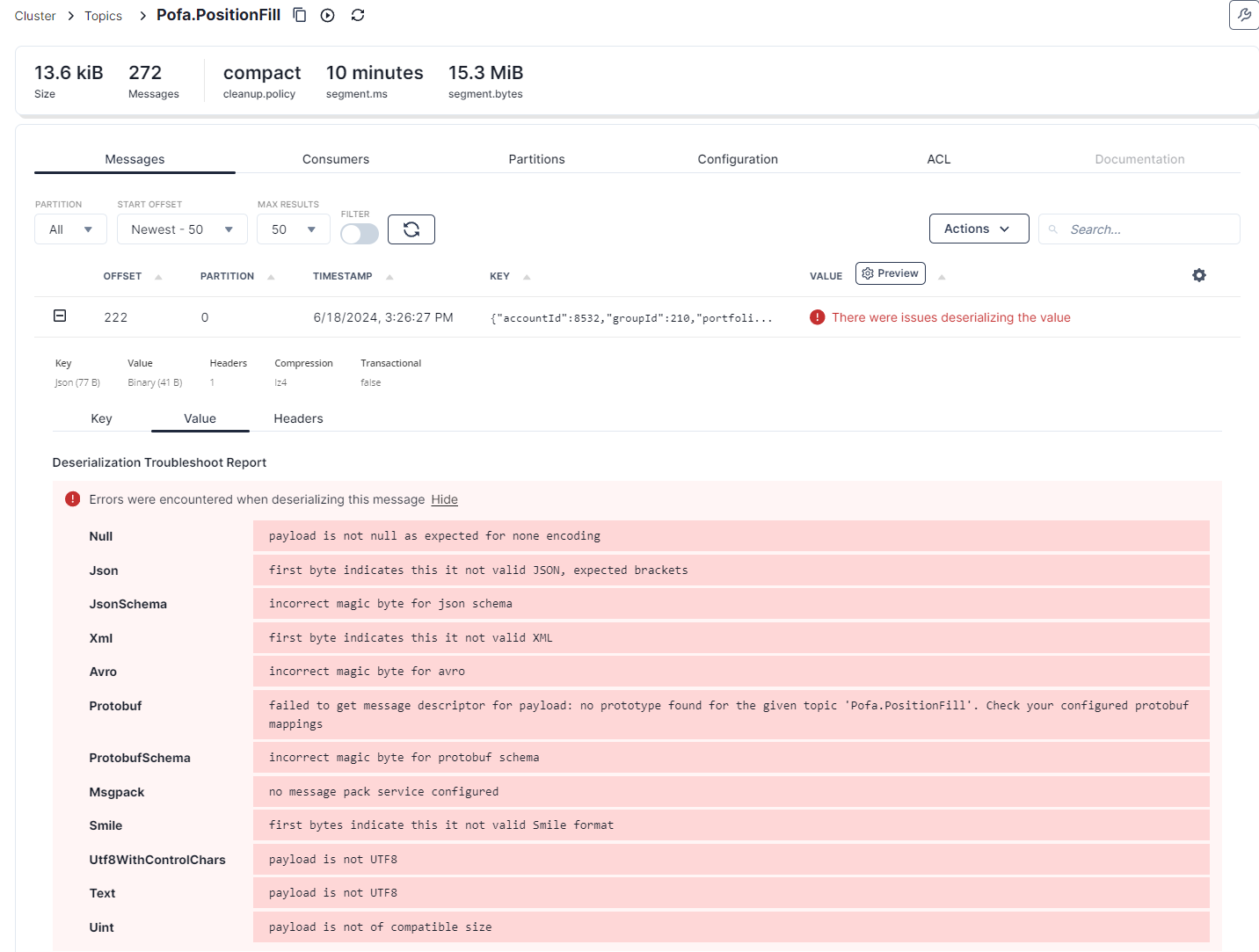
2. "Error Retrieving Avro value schema id 0..."

The Resolution
Redpanda Console is not able to decode your message due to not properly encapsulating your data into the appropriate "wire format". This format typically involves the following:
-
Magic Byte: Both Avro and Protobuf, when used with a schema registry in Redpanda, utilize a magic byte
0x00at the beginning of the message. This byte signals that the message uses a schema ID for deserialization. -
Schema ID: Following the magic byte, there's a 4-byte integer representing the schema ID. This ID is used to retrieve the corresponding schema from the schema registry.
-
Encoded Data: After the schema ID, you have the actual data encoded according to the schema:
- Avro: The remaining bytes are Avro data serialized based on the schema identified by the schema ID.
- Protobuf: Protobuf encoding is slightly more complex, as it may include message indexes before the Protobuf data itself. This depends on the specific Protobuf implementation and usage.
# Avro


# Protobuf
Additional Reading
Redpanda Console view deserialized messages
Redpanda Console Deserialization Configuration