How can I tell if my data is compressed ?
Last updated: August 10, 2026
There may be times when you or Redpanda Support would like to double check if topic events were produced using compression
This article details some of the options how to check if an event is compressed or not
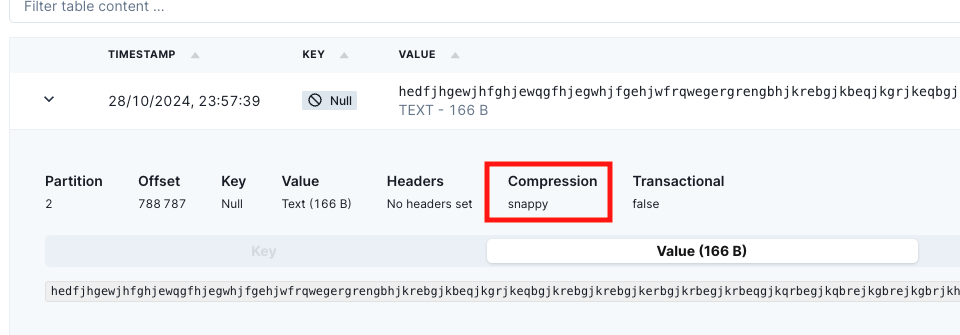
-Using console
Drill down on the event, Compression type is displayed..
-Using rpk topic consume:
Can show if events were produced with compression via the formatting %a{compression} attribute
rpk topic consume t1 -n 3 -f 'offset: %o, value=%v compression: %a{compression} \n'

........

offset: 483, value=support test 28038 2731 13026 compression: lz4

offset: 484, value=support test 1506 23599 30064 compression: lz4

offset: 485, value=support test 2031 28387 18198 compression: lz4