Self Hosted Connectors(Kafka Connect) - How to recover from invalid connector configurations
Last updated: August 11, 2026
This applies to environments running the Kafka-Connect version of Redpanda connectors in a self-hosted deployment.
See the following documentation for more information on these types of deployments:
Connector(kafka-connect) self-hosted - kubernetes
Connector(kafka-connect) self-hosted - docker
Problem
When passing some invalid configurations to connectors ,
for example incorrect TLS settings for a MM2 source connector,
it can cause the connector pod to crash and go into a CrashLoopBackOff state.. for example incorrect TLS settings for a MM2 source connector,
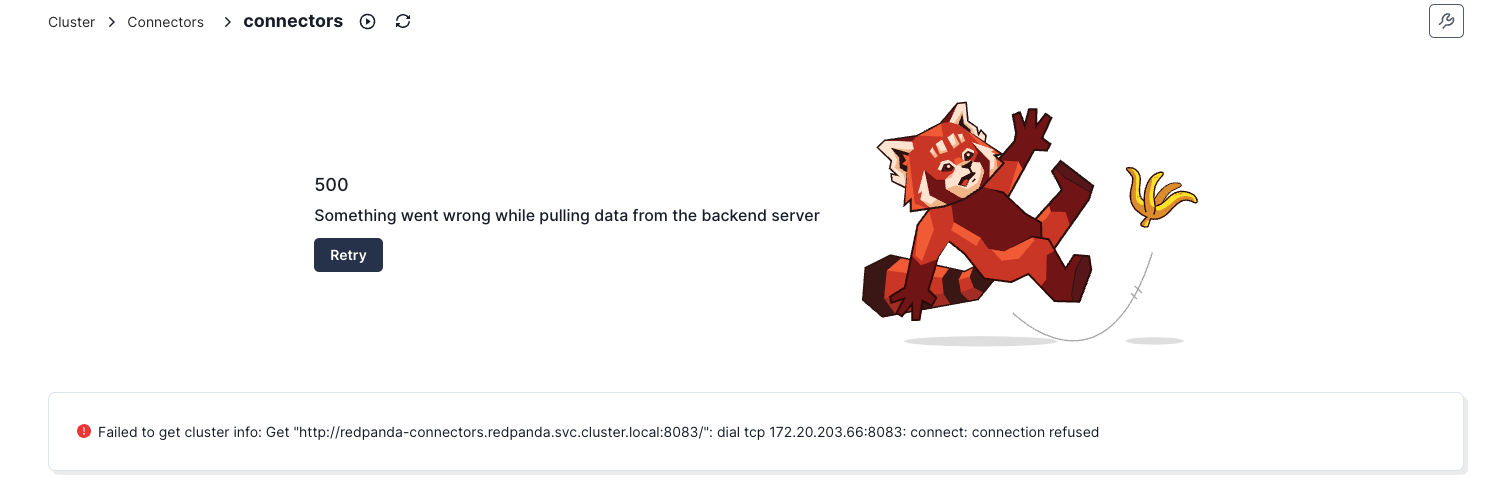
As the connect pod is down, a Redpanda admin cannot delete the bad connector config via Redpanda Console (HTTP 500 error ) or the Kakfa Connect REST API
Solution
To resolve this, we can send a "tombstone' event to the Redpanda connectors internal topic
_internal_connectors_configs that holds the connector configurations.The tombstone event will prevent the incorrect configs from reloading again and the kafka connect instance will be able to run without crashing.
connector-For example
rpk topic produce _internal_connectors_configs --key connector-redpanda-s3-sink --tombstoneWhere ..
the connector is named
redpanda-s3-sink Key used
connector-redpanda-s3-sink