Topic creation fails due to hitting tier partition limits
Last updated: August 11, 2026
Issue
When trying to create a Topic in Redpanda Cloud you may encounter errors due to hitting partition limits for your particular cloud tier.
Cloud Tier partition limits are documented here:
Errors reported when topic creation fails due to hitting partition limits
-Console
Failed to create topic, kafka responded with the following error: INVALID_PARTITIONS: Can not increase partition count due to core limit
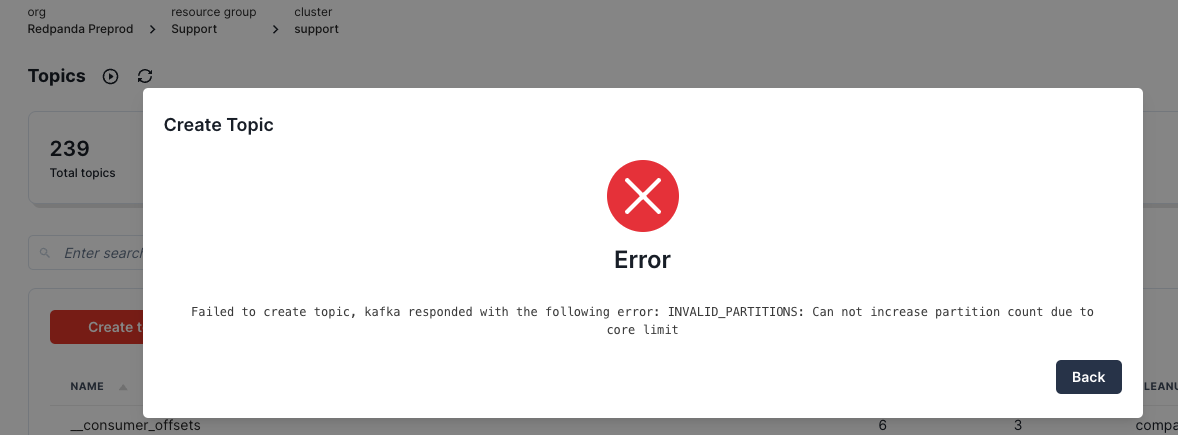
- Sample error messages reported in other kafka clients :
- BROKER_NOT_AVAILABLE: No nodes are available to perform allocation after hard constrains were solved


- INVALID_PARTITIONS: unable to create topic with nn partitions due to hardware constraints
Solution
To check your current partition usage :
Redpanda Cloud Console > Topics
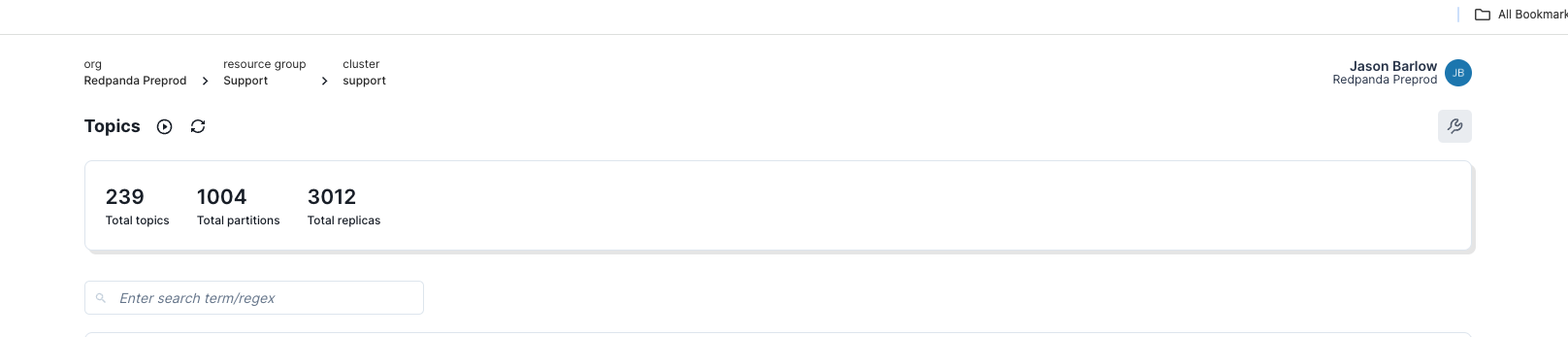
You can either to reduce the overall number of partitions (for example by deleting topics no longer needed) or work with your CSM to scale to a larger Cloud tier.
If you need additional assistance or have questions please reach out to Redpanda Support.