(Cloud UI) Provided authentication token is invalid
Last updated: August 10, 2026
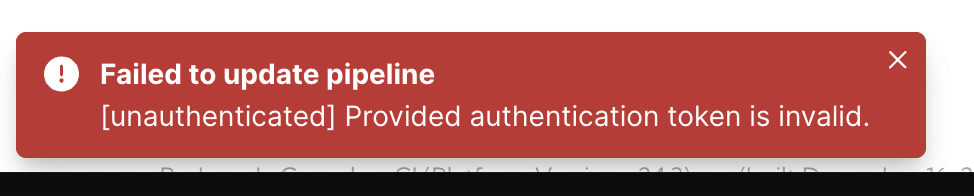
When logged into your Redpanda Cloud account, after a period of time, the authorization token that is generated upon login may expire. Even though you might still be able to navigate through the website, you might start running into some authentication errors when attempting to make changes to your Redpanda Cluster.
Example:
Failed to XZY

[unauthenticated] Provided authentication token is invalid
Solution:
The solution is fairly simple. Logging out of the portal and logging back in will refresh the token and allow you to continue as normal.
Additional Support:
If you have any questions on this notice or need further guidance, please contact customer-success@redpanda.com / support@redpanda.com